
Roles at a glance
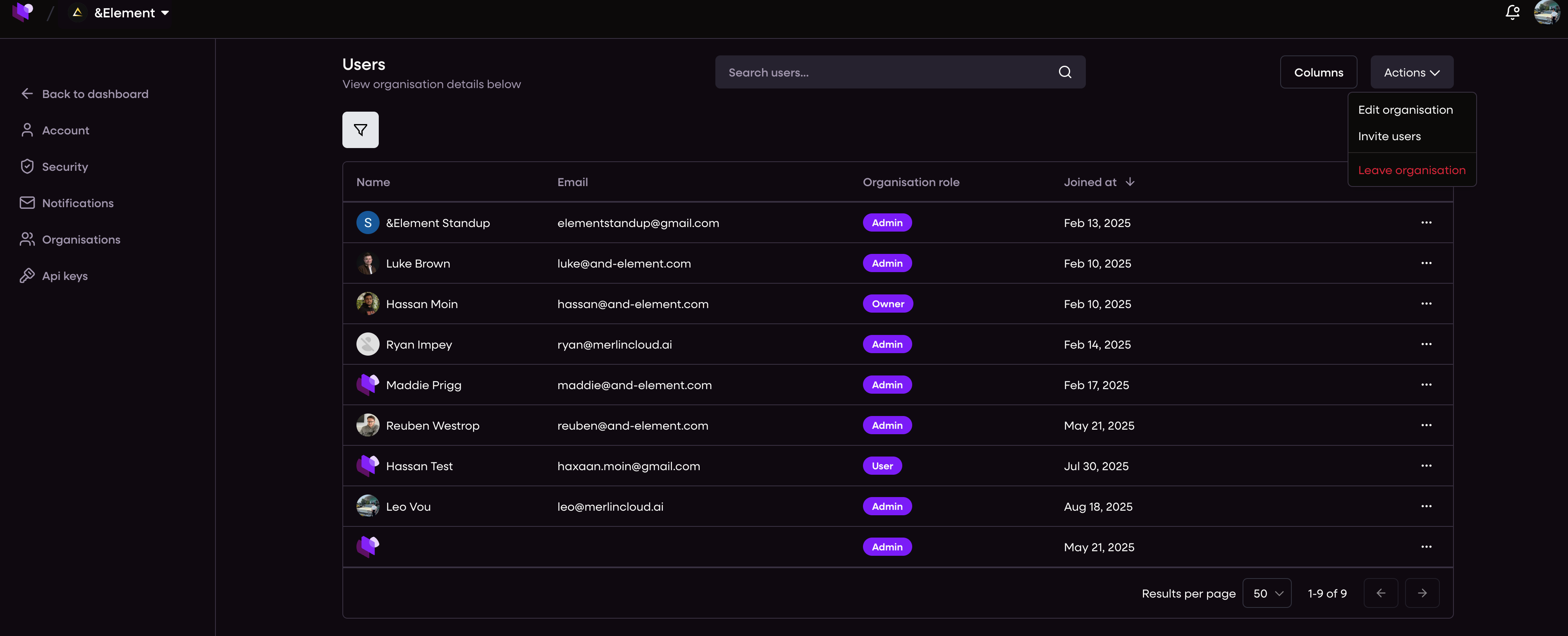
Admin
Full control inside your organisation. Creates and manages campaigns, devices, locations, members, and settings.Manager
Day-to-day operator. Creates and manages campaigns and devices. No access to organisation user management.Viewer
Read only. Can browse campaigns, versions, previews, analytics, and device status.Author (experience developer)
Builds Experiences and Experience Releases. Can see release code metadata such as GitHub repo and branch. Client organisations cannot see these details.
Campaign permissions matrix
Capability | Admin | Manager | Viewer | Author |
View campaigns and versions | ✅ | ✅ | ✅ | ➖ |
Create campaign | ✅ | ✅ | ❌ | ➖ |
Edit campaign content | ✅ | ✅ | ❌ | ➖ |
Validate and resolve required fields | ✅ | ✅ | ❌ | ➖ |
Duplicate a campaign | ✅ | ✅ | ❌ | ➖ |
Schedule start date and targets | ✅ | ✅ | ❌ | ➖ |
Publish a campaign | ✅ | ✅ | ❌ | ➖ |
Archive or restore | ✅ | ✅ | ❌ | ➖ |
Share preview links | ✅ | ✅ | ✅ | ➖ |
View change log and diffs | ✅ | ✅ | ✅ | ➖ |
Export data and reports | ✅ | ✅ | ✅ | ➖ |
Manage devices and device actions | ✅ | ✅ | ❌ | ➖ |
Manage locations and translation preferences | ✅ | ✅ | ❌ | ➖ |
Manage organisation members and roles | ✅ | ❌ | ❌ | ❌ |
Create Experiences and Releases | ❌ | ❌ | ❌ | ✅ |
View Git repo and branch on releases | ❌ | ❌ | ❌ | ✅ |
Legend: ✅ allowed • ❌ not allowed • ➖ not applicable
Approvals
Standard: No approval workflow is required to publish.
Enterprise option: A multi step approval flow is available on request. You can require specific reviewers before publish. Contact support to enable.
Notifications
By default Admins and Managers receive dashboard notifications for schedule created, publish, failure, and rollback events.
Viewers can see the status in the UI but do not receive action notifications.
Audit trail
The CMS records who changed what and when, including content edits, target changes, schedule edits, publishes, and restores.
Admins and Managers can view the audit log. Viewers have read access to version history and diffs.
Security notes
Experience release source code links are visible to Authors only. Client organisations cannot see repo or branch details.
Use role scoping to limit risk in production. Grant Manager where possible and reserve Admin for a small set of owners.