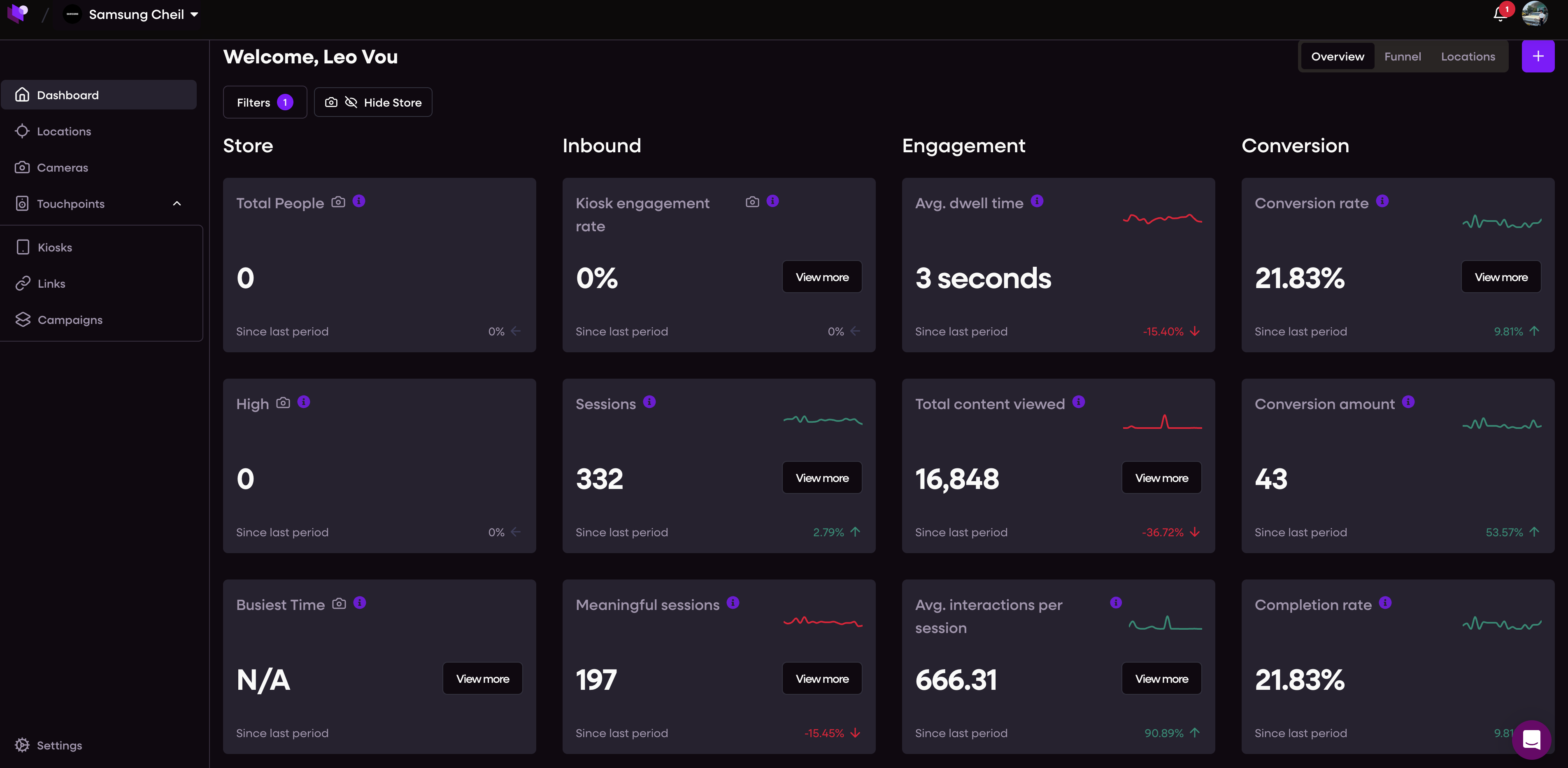
🏠 Dashboard overview
When you log in at app.merlincloud.ai, you’ll land on the Dashboard – your analytics hub.
From here, you can:
Monitor sessions, dwell time, footfall, and conversions
Build and customise funnel analytics to track shopper journeys
Apply filters by time, country, store, or campaign for deep insights
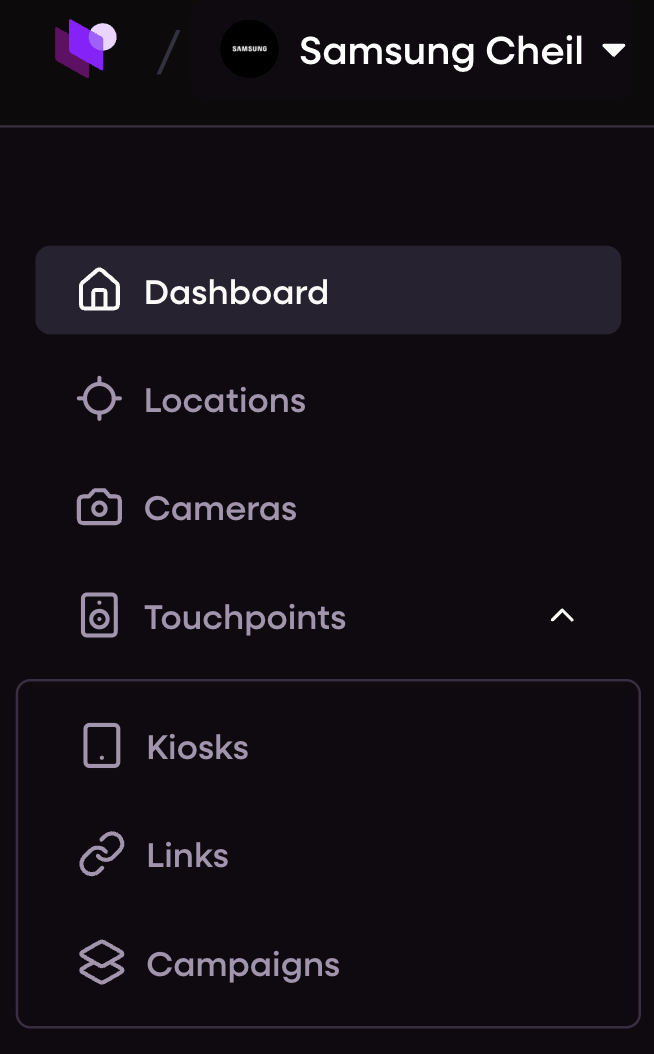
📍 Main navigation sections
The left-hand sidebar lets you access all key areas:
Dashboard – Overview metrics and funnel builder
Locations – View and compare store-level performance
Cameras – Manage installed heatmap and footfall tracking devices
Kiosks – View device status, sync content, and update offline units
Links – Create and track QR codes and smart links
Campaigns – Build, schedule, and A/B test content campaigns
Organisations – Manage users, roles, and region access
Settings – Update your profile, change preferences, or connect integrations
Some sections may be hidden based on your role or organisation permissions.
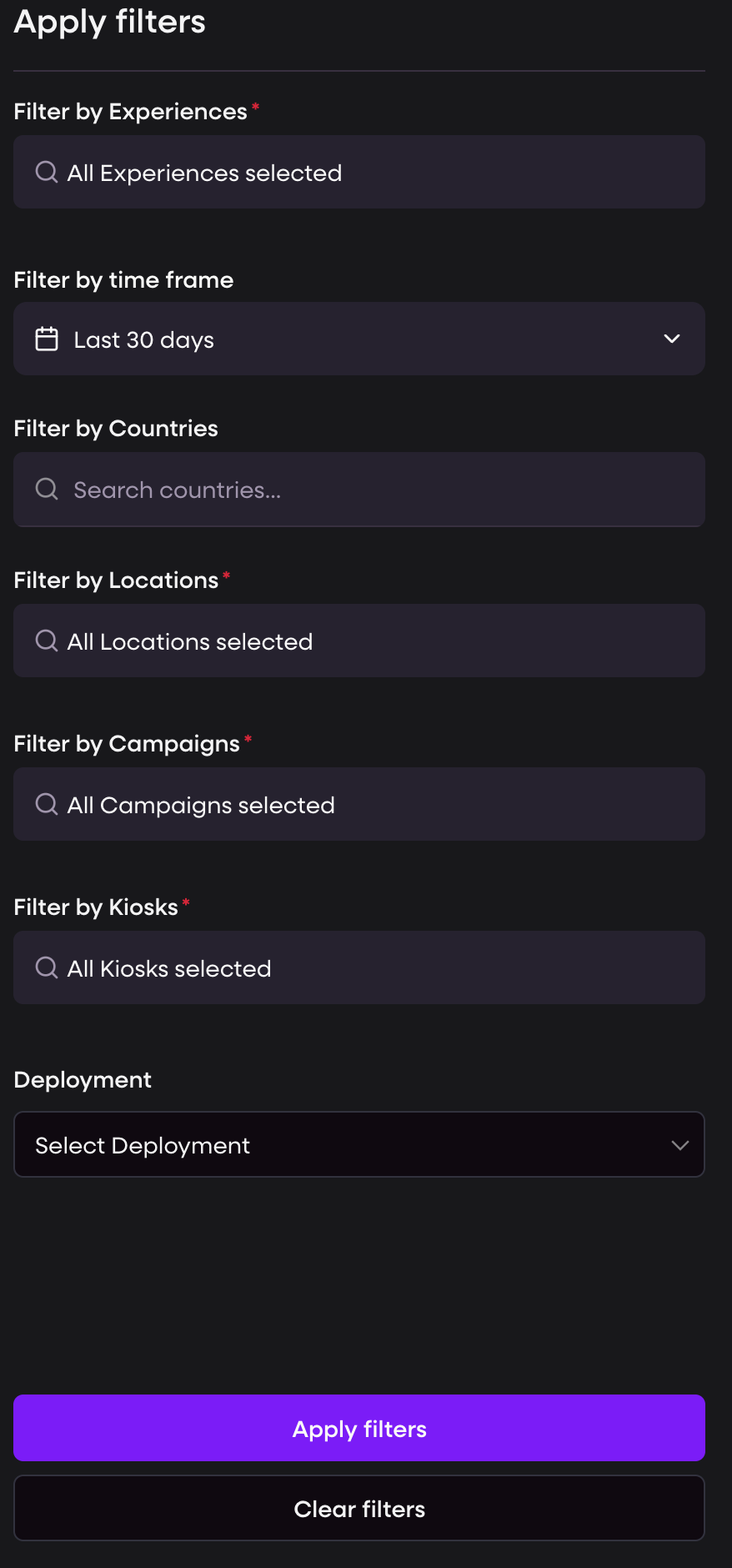
🔍 Filters and controls
Use the top filter bar to segment data by:
Country or store
Campaign or content
Device type
Date range (e.g. today, last 30 days)
Your selections update analytics across the entire dashboard in real time.
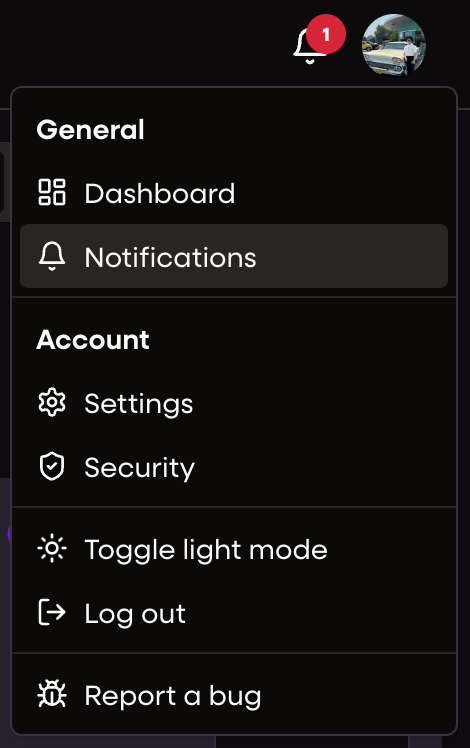
👤 Profile menu
Click your profile icon in the top-right corner to:
Toggle dark mode 🌙
Switch organisations
Edit your profile
Log out