
Organisations
📝 Editing your organisation details
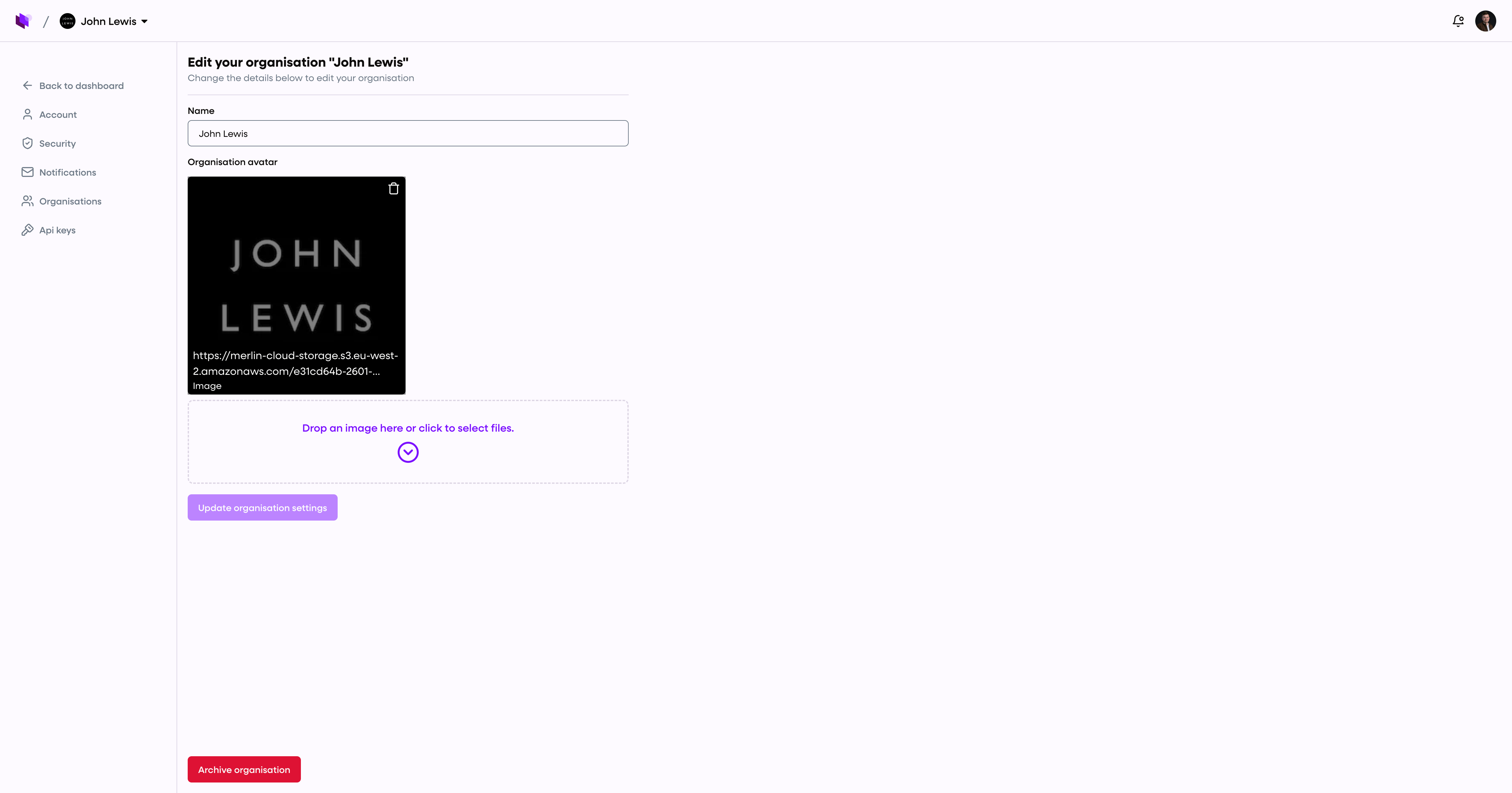
To rename your organisation or change the logo:
Go to Organisations > Select organisation
Click "actions" in the top right, then click Edit organisation
Update the name or upload a new avatar
Click Save changes
Changes will instantly update across the dashboard and sidebar.
👥 Inviting and managing users
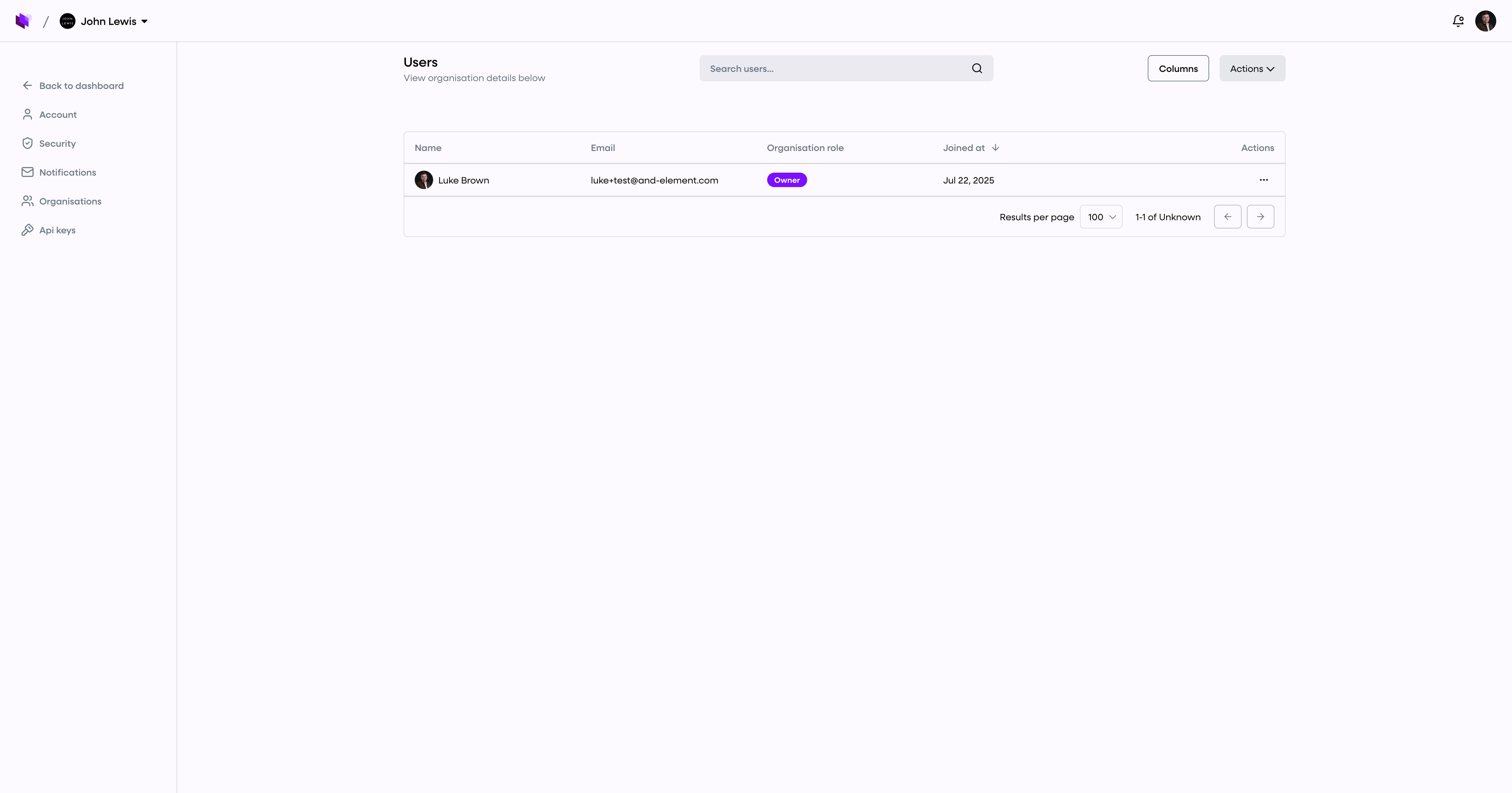
https://app.merlincloud.ai/dashboard/organisations
To manage your team, go to Admin > Organisations. From here, you can invite new users, adjust their roles, and update your organisation details.
➕ Invite a new user
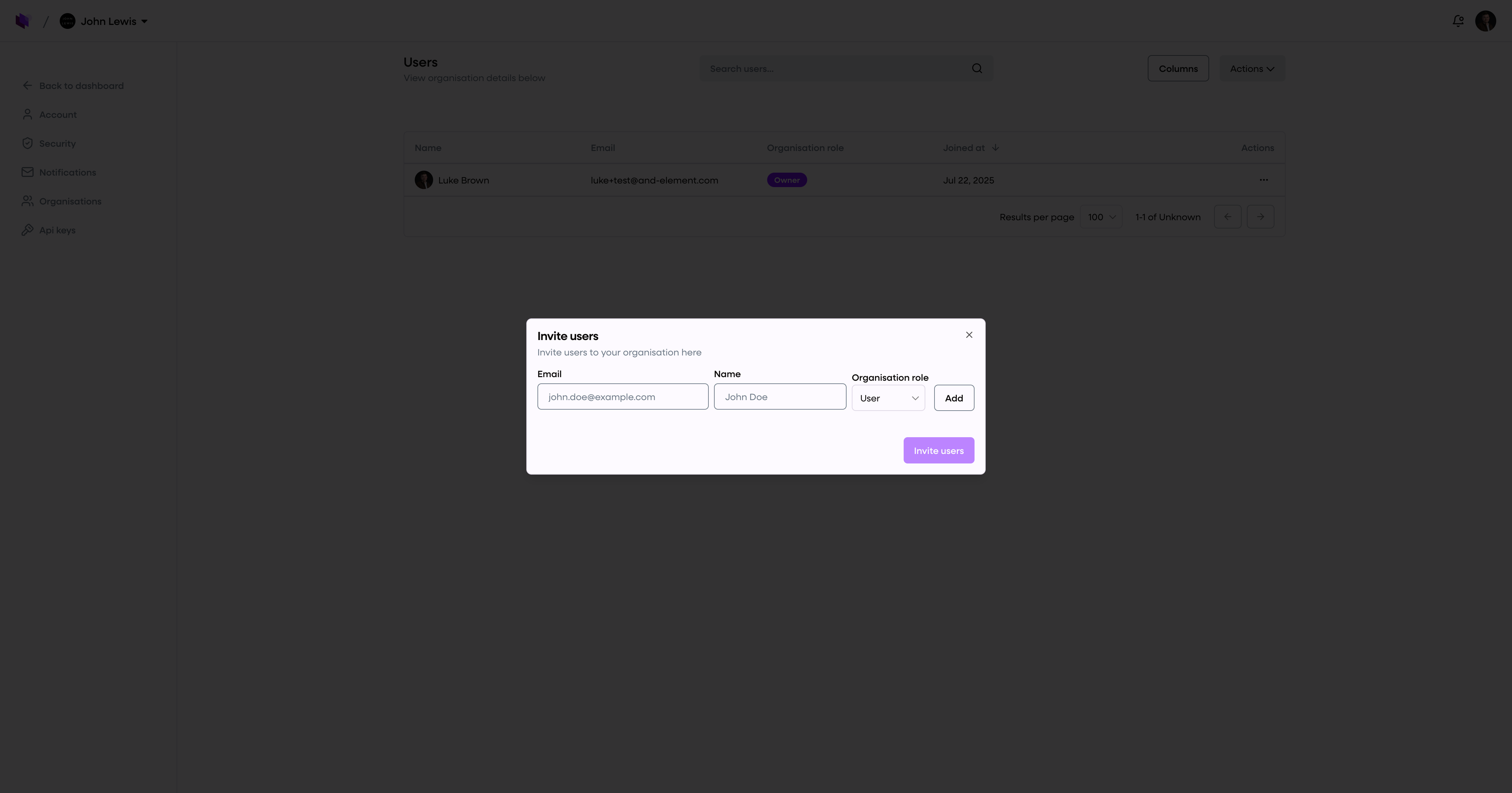
Click Actions > Invite user
Enter the user’s email, name, and role
Click Add, then Invite users
They’ll receive an invitation via email from hello@merlincloud.ai with a link to join your organisation.
🔄 User roles
Each user can be assigned one of three roles:
Admin – Full access to manage users, settings, billing, and organisation details
User – Can manage cameras, kiosks, campaigns, and analytics, but not organisation-level settings
Viewer – Read-only access to view dashboards, data, and reports
You can update roles at any time by clicking the three dots next to a user’s name.
📝 Editing your organisation details
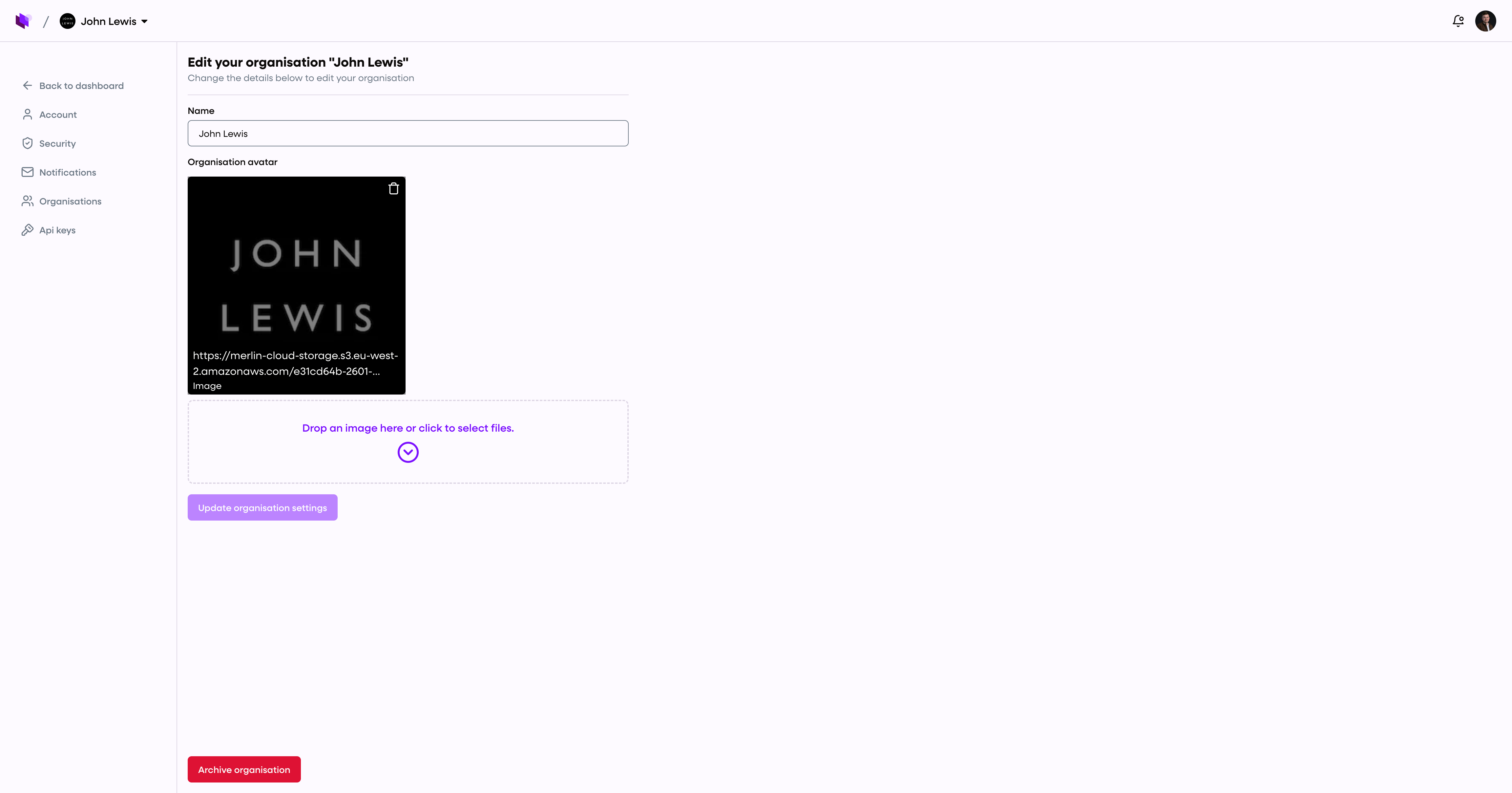
To rename your organisation or change the logo:
Go to Organisations > Select organisation
Click "actions" in the top right, then click Edit organisation
Update the name or upload a new avatar
Click Save changes
Changes will instantly update across the dashboard and sidebar.
🔁 Switching between organisations
If you're a member of multiple teams:
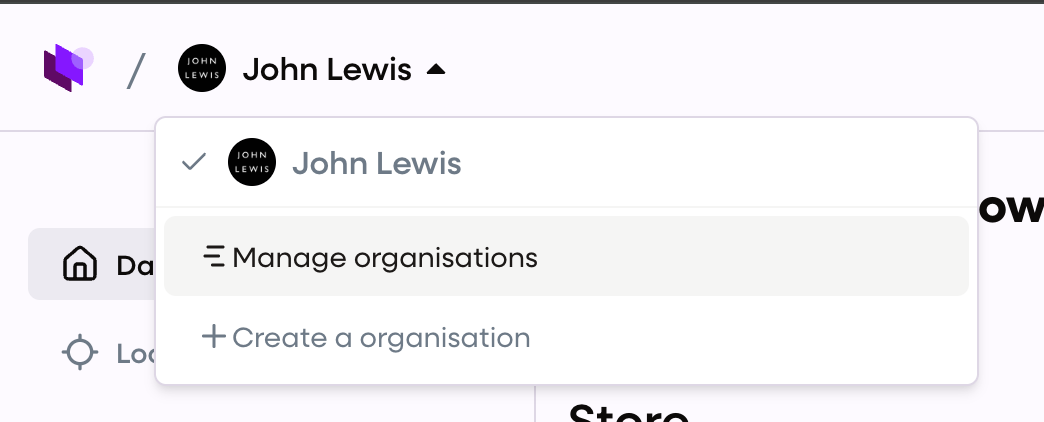
Click your profile icon (top right)
Select Switch organisation
Choose the workspace you want to enter